The job is the record
A work order carries its own checklist, defects, materials, labour, meter readings, signature and audit history. Nothing important lives in a separate spreadsheet, because there is no separate spreadsheet.
Ground support equipment maintenance
RampWorks runs GSE maintenance for airport ground handlers and fleet teams: work orders, daily health checks, refuelling, preventive maintenance, inventory and reporting, in one API-backed application for web, iOS and Android.

Why teams move onto it
A defect found on a whiteboard, a job tracked in a spreadsheet, a fuel log in a notebook and a report typed up at month end. RampWorks closes those gaps by making one record carry the job from discovery to evidence.
A work order carries its own checklist, defects, materials, labour, meter readings, signature and audit history. Nothing important lives in a separate spreadsheet, because there is no separate spreadsheet.
A failed item on the morning health check links straight to a work-order number and a repair date. The gap between finding a fault and tracking it stops being where things get lost.
PMI groups generate due work orders for every matching asset, idempotently. Run generation twice, or nightly from a scheduler, and the fleet is never double-booked.
Service-provider accounts are scoped to work rolled out to their company at the stations they cover. You get contractor visibility without handing over the whole workspace.
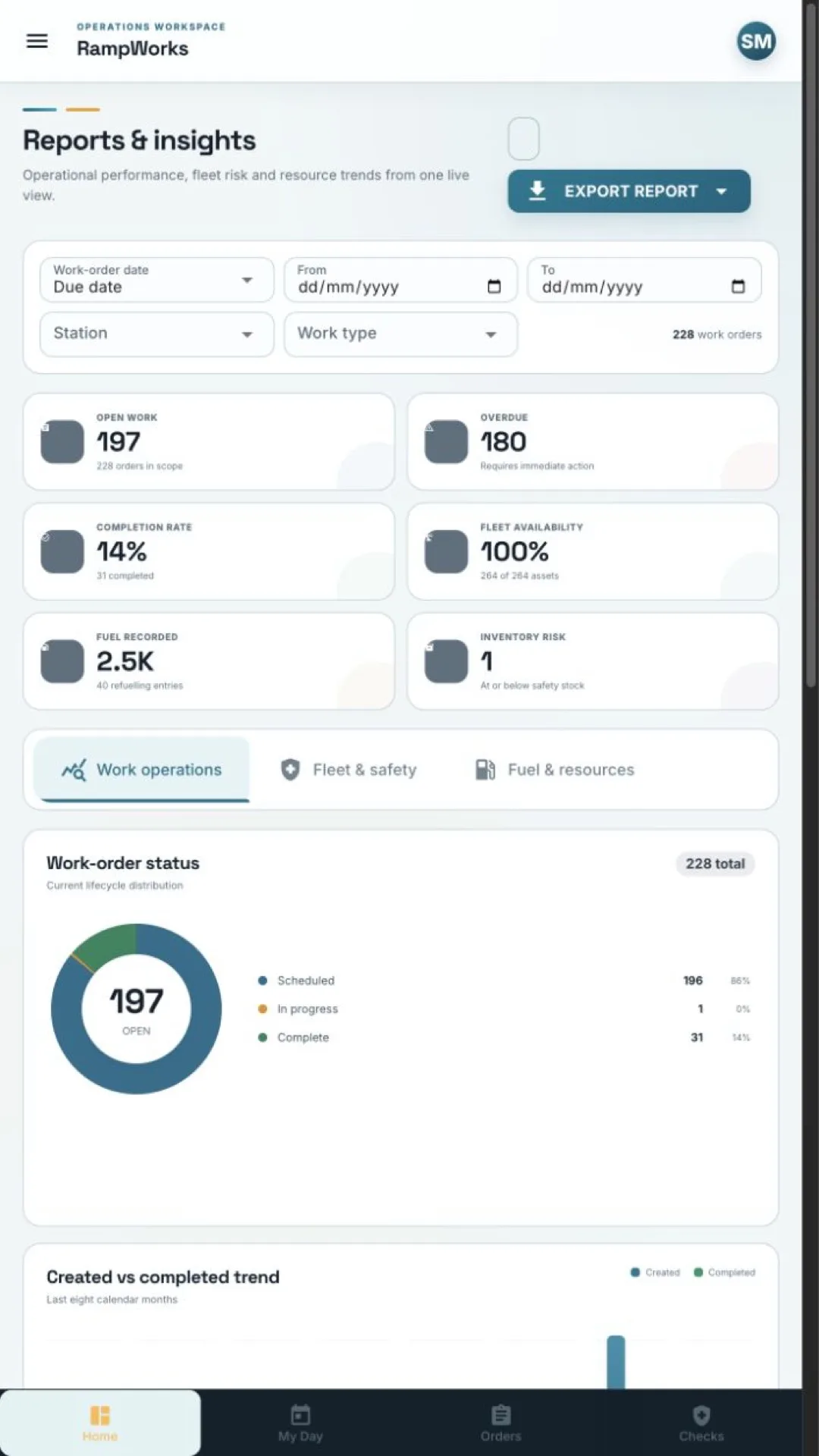
Created versus completed over eight months, status distribution, fleet risk and fuel consumption — all computed from what the crews recorded today, not from a monthly re-key.
The same workspace runs as a responsive web app and as native iOS and Android builds, with a bottom tab bar and touch targets sized for the apron rather than a desk.
The workspace
Navigation is grouped into overview, operations, fleet and supply, and administration. What each account sees is decided by its role, so a technician gets a queue and an administrator gets the whole board.
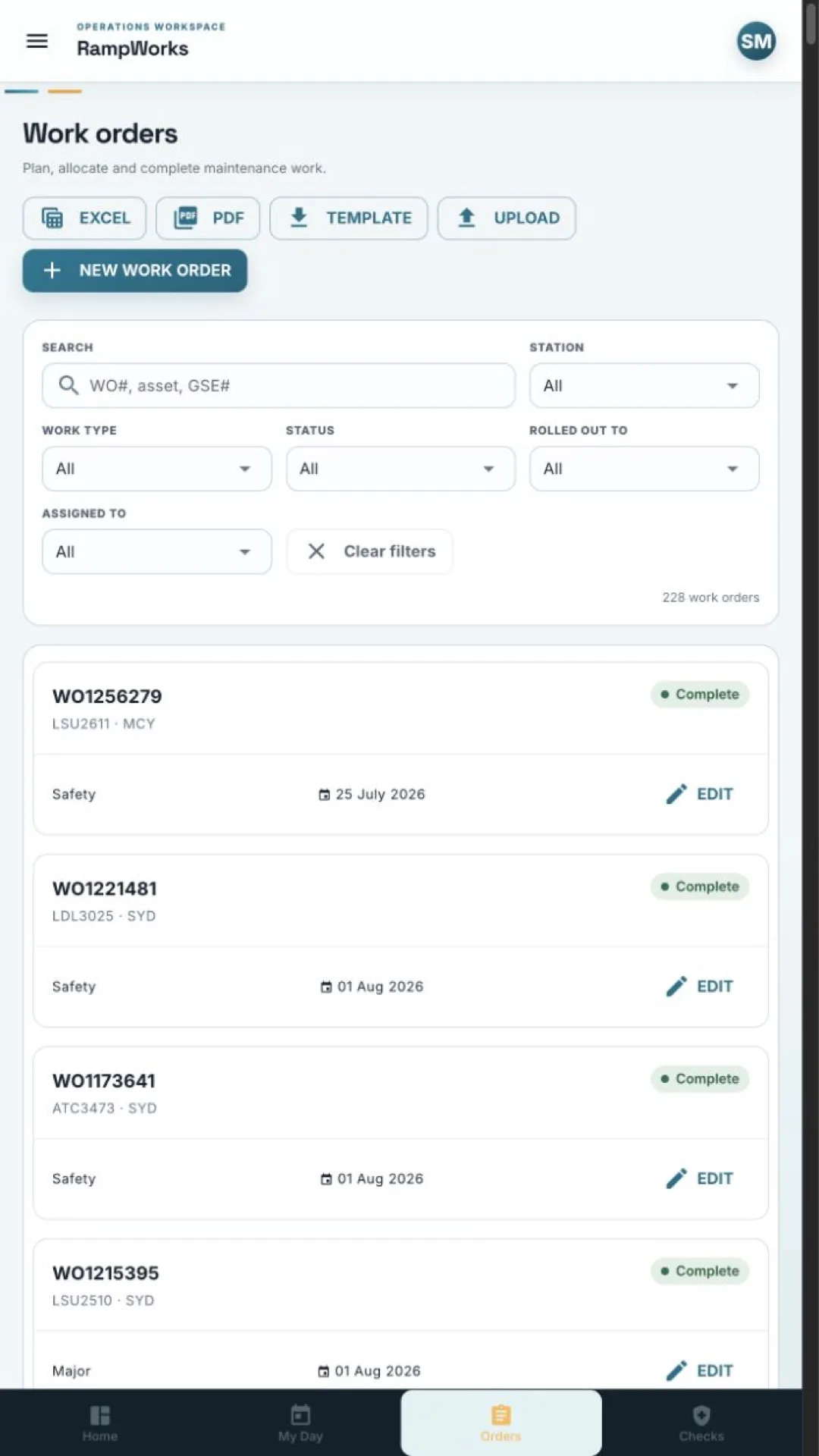
Plan, allocate and complete maintenance work.
Explore the moduleFuel entries per asset, per day, with a matrix report behind them.
Explore the moduleThe pre-use inspection, captured where the defect is found.
Explore the moduleDefine recurring PMI groups and generate due work orders.
Explore the moduleReusable inspection steps by work and asset type, with change history.
Explore the moduleOperational performance, fleet risk and resource trends from one live view.
Explore the moduleControl people, locations, access and operational master data.
Explore the moduleA day on the ramp
Nothing below is re-keyed into a second system. Each step writes to the same record, which is why the report at the end is trustworthy.
A ramp operator opens Daily health checks, scans to the belt loader by its GSE number, and works the inspection list mapped to that asset type. Item four fails.
GuideThe check is marked unserviceable with a note. A work order is raised against the same asset and its number is recorded on the health check, so the clock on that defect is now running.
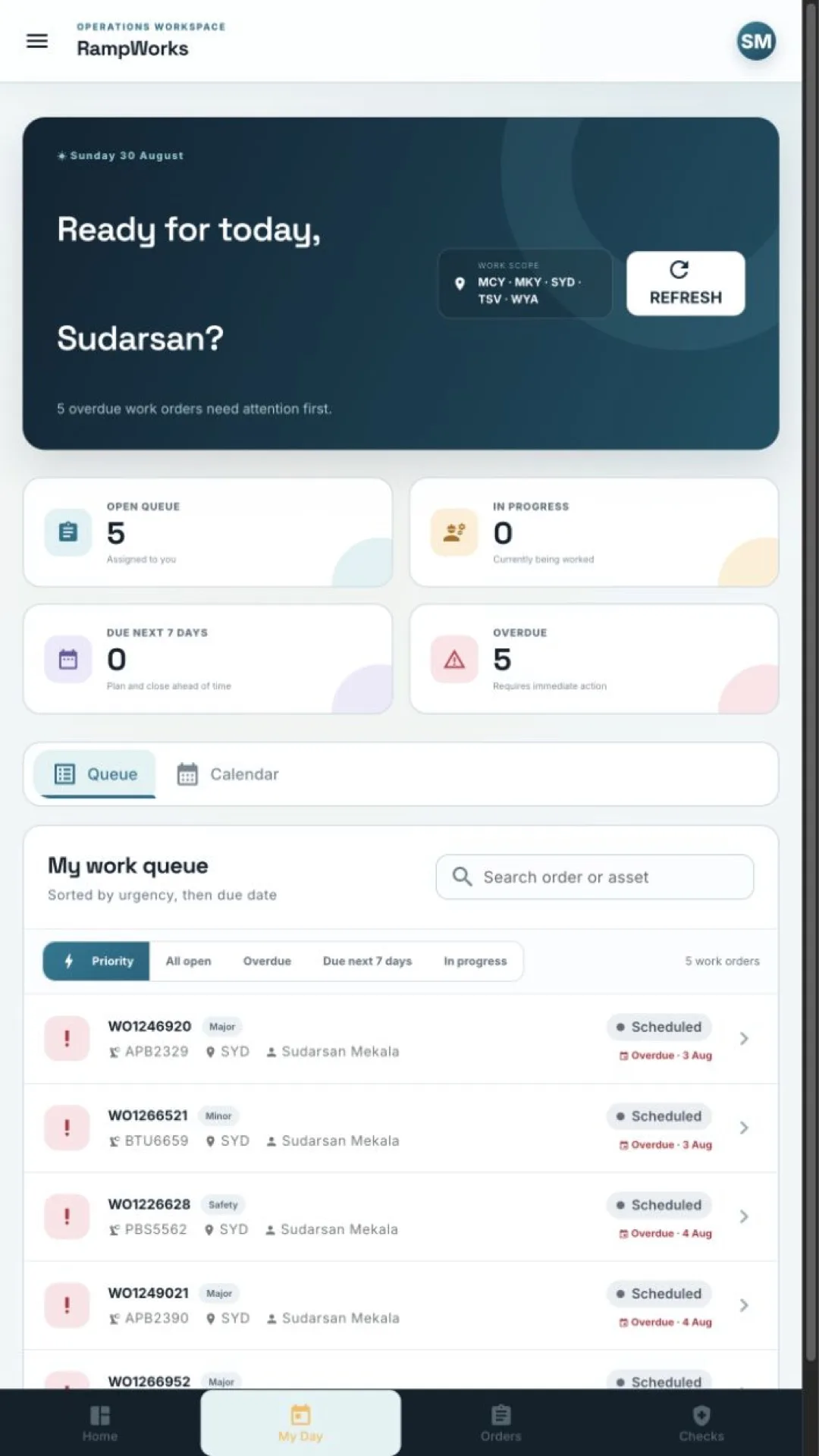
GuideMy day has the job at the top of the queue — overdue and due-soon work sorts first. The technician works the checklist on the phone at the equipment.
GuideTwo parts are recorded on the Materials tab, drawing stock down in Inventory. Labour hours go on, the completion signature is captured, and the status moves to Complete.
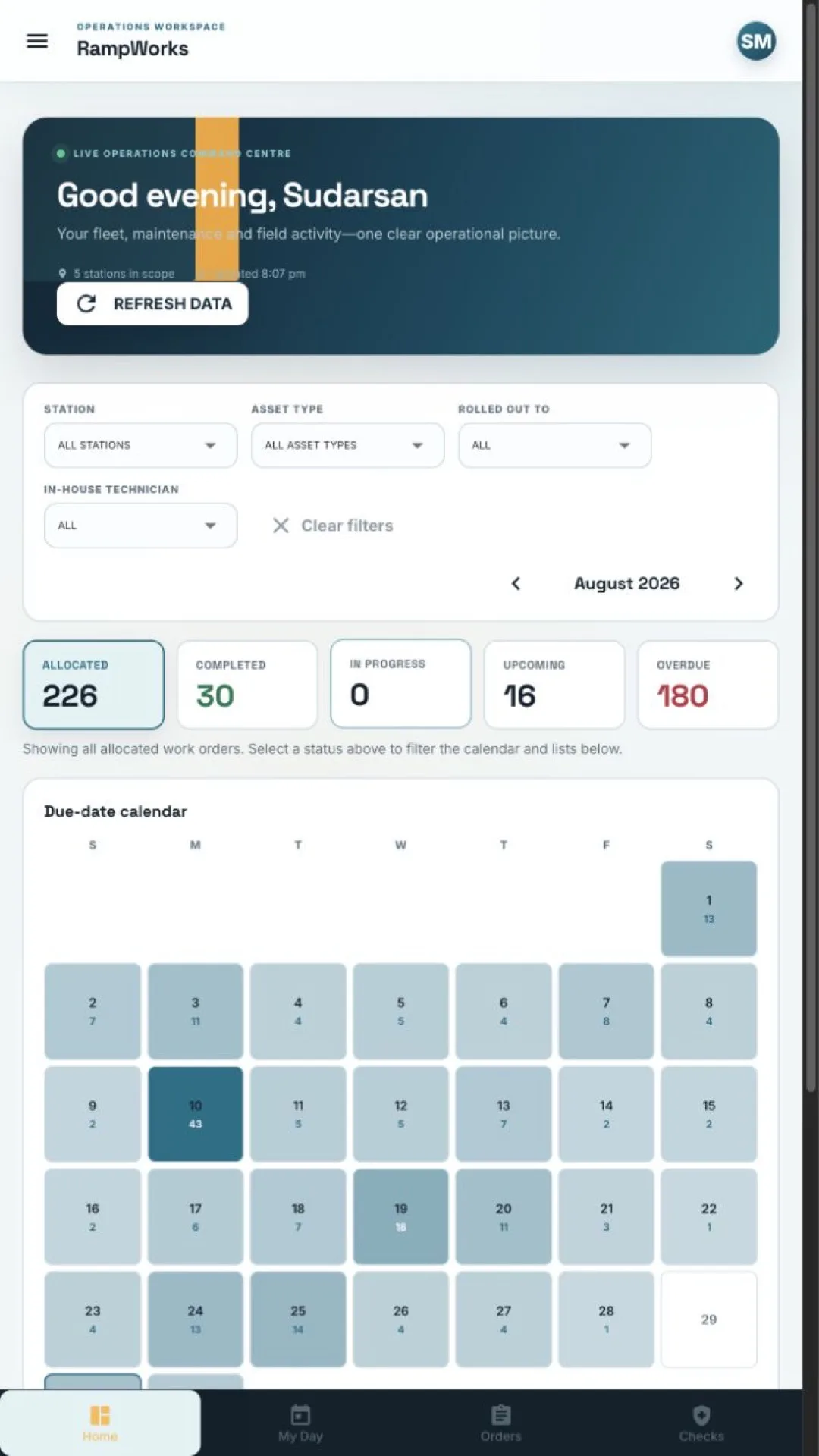
GuideThe command centre shows overdue down by one. Nobody typed a status update anywhere — the number moved because the work moved.
GuideReports filters to the station and period, and exports an executive PDF and detailed Excel. The compliance evidence is the same records the crews created.
GuideIn the app
The same interface scales from a phone in a hi-vis pocket to a supervisor's desktop. These are real screens from the shipping application.
Access model
Access is decided in three layers that combine, rather than one role list that has to anticipate every case.
Getting started
Stations, roles, provider companies and reference values — the master data every other module draws on.
Setup guide 02Bulk upsert the asset registry from a spreadsheet against the supplied template, then set asset types correctly.
Asset guide 03Import the checklist library, map items to work and asset types, then let every future job populate itself.
Checklist guideTell us how many stations and how much equipment you run, and we will walk the workspace through your operation rather than a demo dataset.